The makers of Opera recently introduced a new feature called Opera link that let you transfer bookmarks seemingly between PCs, mobile phones and other supported devices. If you are using an iPhone and Opera mini web browser you can use this feature to transfer bookmarks from Opera web browser for Windows or Mac to Opera mini in iPhone. Now if you are not using Opera, here are a few alternatives that might be useful.
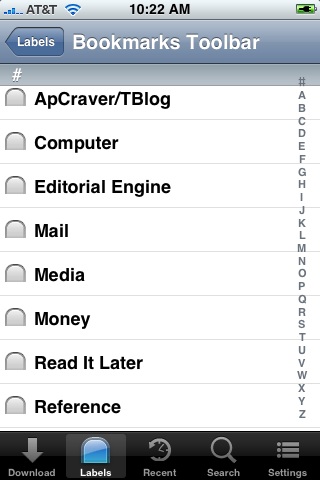
The Firefox Home: Firefox home is a freeware bookmark transfer application for Firefox and iOS users. You can download this app from the iTunes store here. Create a Firefox sync account from Firefox Tools menu. After that, bookmark websites using the icon that will appear in the browser interface. Now you can access the same bookmarks in iPhone interface of the FF home app.
Xmarks: Xmarks is one of my favorite bookmarking services. Xmarks works with Firefox, Safari, Internet Explorer, Google Chrome desktop browsers. They have special addons that will automatically upload bookmark to your online Xmarks account. Recently, they have released an iPhone app that give you access to the Xmark account from iOS devices. The service is only available to premium Xmarks customers.
Leave a Reply